Technology in the classroom—oh, how things have changed over the past 28 years. I can’t believe I just watched myself type that. I was 25 when I first entered a middle school classroom. I was 23 when I used my first computer with “the net” in a university library. It was incredibly slow and wasn’t very useful at the time. Technology was just beginning to be pushed as part of the curriculum during my first year of teaching in 1997 as a geography teacher. (Okay, Millennials (Gen Y), Gen Z (Zoomers) , and Generation Beta, I hear the “You were born in the 1900s” joke swirling in your heads.)
I remember being given a box of computer-based activities to use with my students. If memory serves me right, that box sat untouched in the corner of my classroom for 11 years, not that I didn’t want to incorporate technology, but because the activities were not great. Each classroom was required to have at least two desktop computers—nothing like the sleek devices you see today. Back then, incorporating technology into your lessons meant having students conduct research, using Excel to create graphs and charts based on their finding, create presentation with PowerPoint, and writing reports in Word. Videos were used sparingly and were difficult to access. Teachers guided students to specific websites for lessons, such as webquests. I was actually more advanced in technology than most teachers as I already had my grades online for parents to review by the 2001 using TeacherEase through my classroom website. I kept both a hardcopy gradebook and an online private-access gradebook in which parents and students could access their grades, password protected, just in case the system somehow lost my data.
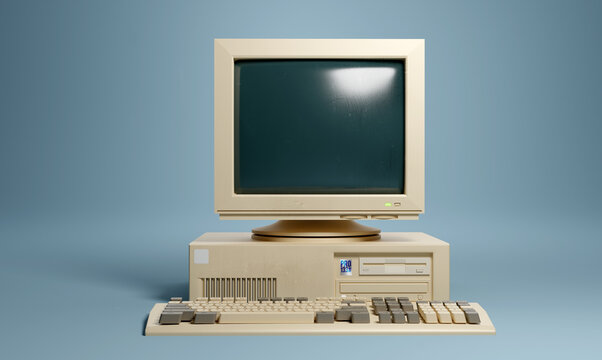
I loved having students work on computers. Whenever I spotted an unused one somewhere in the building, I claimed it. With four or five desktop computers, my classroom felt cutting-edge. Today, every student is assigned a laptop or iPad, and AI has emerged as a widely used tool in education. The classroom looks completely different now. So, the question is how do we effectively use the AI technology in our classrooms? How can we help students develop higher-level thinking skills? We also want to avoid making them dependent on technology.
Geography helps students understand the world—its places, people, environments, and interconnected systems. Artificial Intelligence (AI) can enhance geography teaching by making learning more interactive and data-driven. It also makes learning more relevant to real-world issues such as climate change, urbanization, and global inequality. When used responsibly, AI becomes a powerful tool for inquiry, analysis, and spatial thinking.
How and When is Using AI In the Classroom Beneficial?
Geography is uniquely suited to AI integration because it involves:
- Large datasets (climate, population, land use)
- Spatial analysis and mapping
- Real-world problem solving
- Interdisciplinary thinking
AI tools can help students visualize complex patterns, analyze trends, and explore global issues more deeply than traditional methods alone.
Using AI to Enhancing Map Skills and Spatial Thinking
✅ AI-powered mapping tools and GIS platforms can:
- Generate interactive maps
- Analyze spatial data patterns
- Compare regions based on climate, population, or economic indicators
- Model changes over time (e.g., urban growth or deforestation)
✅ Students can ask AI questions such as:
- “What patterns can be seen in global population density?”
- “How does rainfall affect vegetation in different biomes?”
This encourages inquiry-based learning and deeper geographical reasoning.
Here Are Some Examples of Using AI in the Classroom:
🤖 Climate Change Analysis
📍Example Activity: Temperature Trends
- Task: Provide students with real temperature data. Ask AI:
“Summarize the trend in global temperatures from 1900–2020 and predict impacts.” - Student Output:
- Graph interpretation
- Evaluation of AI predictions vs scientific sources
- Skills Developed:
Data analysis, critical thinking, climate literacy
🤖 Natural Hazards & Disaster Management
📍Example Activity: Earthquake Response Simulation
- Task:
AI prompt: “You are a disaster management advisor. How should a city prepare for an earthquake?” - Student Output:
- Preparedness plan
- Risk reduction strategies
- Comparison between developed and developing countries
- Skills Developed:
Problem-solving, application, decision-making
🤖 GIS & Urban Planning
📍Example Activity: Design a Sustainable City
- Task:
AI prompt: “Design a sustainable city considering transport, housing, green spaces, and energy.” - Student Output:
- Labeled city map
- Justification of planning choices
- Skills Developed:
Sustainability, systems thinking, creativity
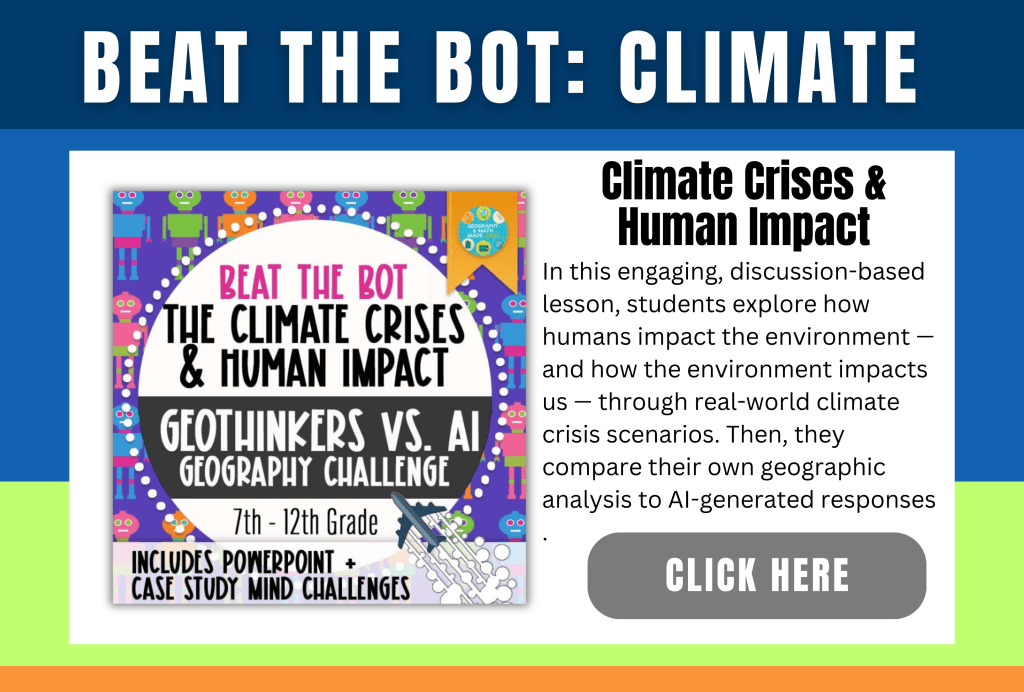
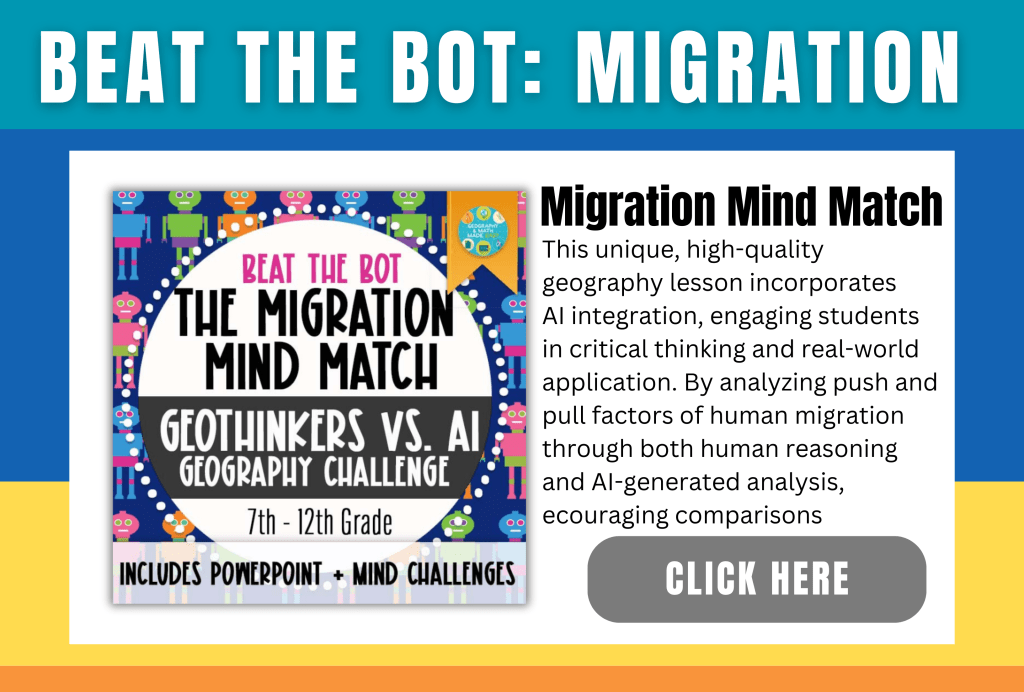
A favorite activity is Beat the Bot. In this activity, students first research the answer to a question on their own. Then, they ask an AI for its response and compare it to their findings. If the AI’s answer differs, students must critically evaluate and challenge it. They should defend their own answer as accurate. Alternatively, they need to identify errors in the AI’s response. This activity can be applied to any subject or topic. Incorporating a monthly AI challenge like this helps develop advanced critical thinking and analytical skills.kills.
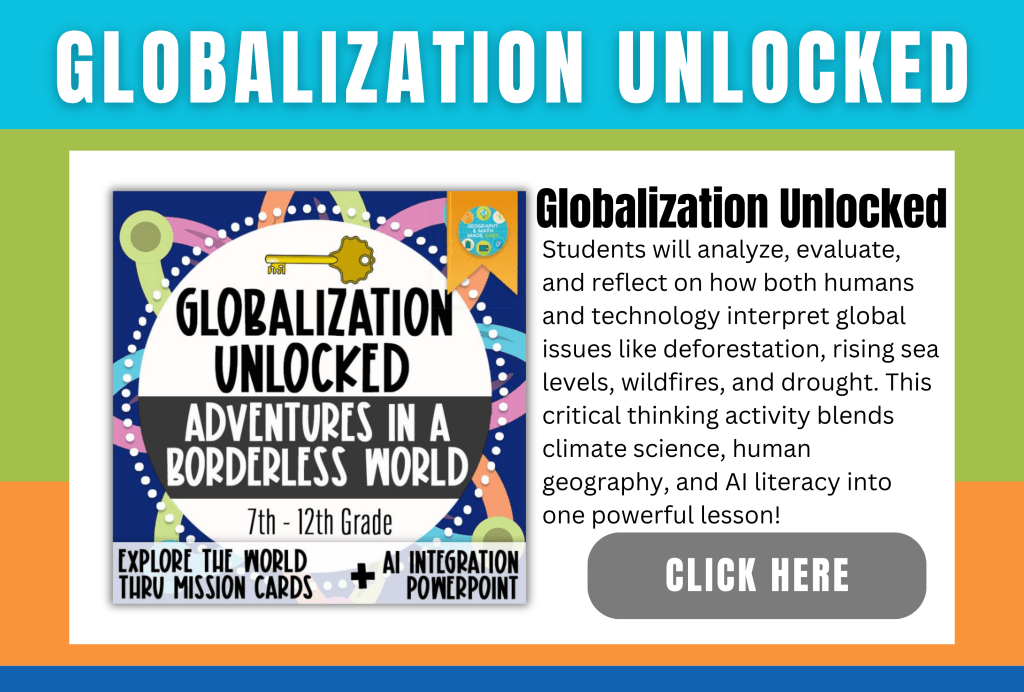
Check Out These Differentiated Geo Lessons ⤵️




How do you use AI in the classroom?
Sign Up for our Newsletter Here:
FOLLOW US
Follow us on our social media accounts and various teacher resource platforms. Simply click the icons below and follow or like us.
Online Stores:


Social Media:


#geographyandmathmadeeasy#teachertherapy#therapy#geography#middleschool#highschool
 Geography & Math Made Easy